Short answer: the cost of fixing a vibe-coded app depends on seven things: how big the app is, how it handles payments, how clean the data model is, how access control works, whether tests exist, how it is deployed, and how much your own team must be able to take over. We do not publish a price list, because any fixed number would be a guess. We start with a free 30-minute intro call, then give a scoped quote, and we usually recommend an audit first so the quote is based on evidence.
Why isn't there a standard price for this?
Two apps that look similar on screen can need very different work underneath. One was built carefully by a founder with a clear data model and just needs a security pass. Another has the same pages but stores the same customer record in three places, trusts the browser to enforce permissions and has a payment flow nobody can fully explain.
From the outside, both are "an app built with Lovable" or "an app built with Bolt". The effort is not the same. Anyone who quotes a number before looking inside is either padding it or guessing.
That is why we do not put a price list on the Vibe Code Rescue page. We would rather say that plainly than invent figures.
What actually drives the cost?
Here are the drivers we look at, and what pushes effort up or down.
What increases effort
- Size: Many screens, roles and integrations.
- Payments: One-time and subscription billing, refunds, unreliable webhooks, no idempotency.
- Data model: Duplicated facts, no clear ownership of records, live data that needs migrating.
- Auth and permissions: Rules checked only in the browser, several roles, shared admin accounts.
- Tests: None, so every change is a risk.
- Deploy and environments: Edits go straight to live, no staging, no rollback.
- Handoff to your team: Your engineers must own it long-term and need documentation and training.
- Urgency: Live incident, paying users affected today.
What decreases effort
- Size: A few flows, one user type.
- Payments: One simple checkout, payment state confirmed by the provider.
- Data model: Clean tables, clear relations, little or no live data to move.
- Auth and permissions: One role model enforced on the server or in the database.
- Tests: Some tests on the money and login paths.
- Deploy and environments: Separate staging, repeatable deploys, backups.
- Handoff to your team: You only need the app to run and a small set of changes.
- Urgency: Planned work with time to do it in stages.
Two of these deserve extra attention.
Payments are the most expensive place to be wrong. When we picked up Karbon Shortcuts, the main problems were a completely wrong architecture and a broken, unstable Stripe integration. We also built new features on top. Payment problems tend to hide until money is involved, and they are not areas to patch in a hurry. See the Karbon Shortcuts case.
The data model decides how hard every later change is. If it is wrong, each fix costs more than the one before.
How does scoping work with Right.Link?
It is deliberately simple.
- A free 30-minute intro call. You tell us what the app does, who uses it and what is going wrong. We tell you honestly whether we can help and what we would look at first. No obligation.
- A scoped quote. After the call, price depends on what is needed. If we have enough information, the quote covers a defined piece of work. If we do not, we propose an audit first.
- Work in stages. We agree on what is in scope for each stage and what is not.
You can book a free 30-minute intro call to start.
What does an audit-first engagement look like?
For most live products we recommend starting with an audit. The reason is practical: it replaces guesses with a written list of findings, so the later quote is about known work.
A staged engagement typically looks like this:
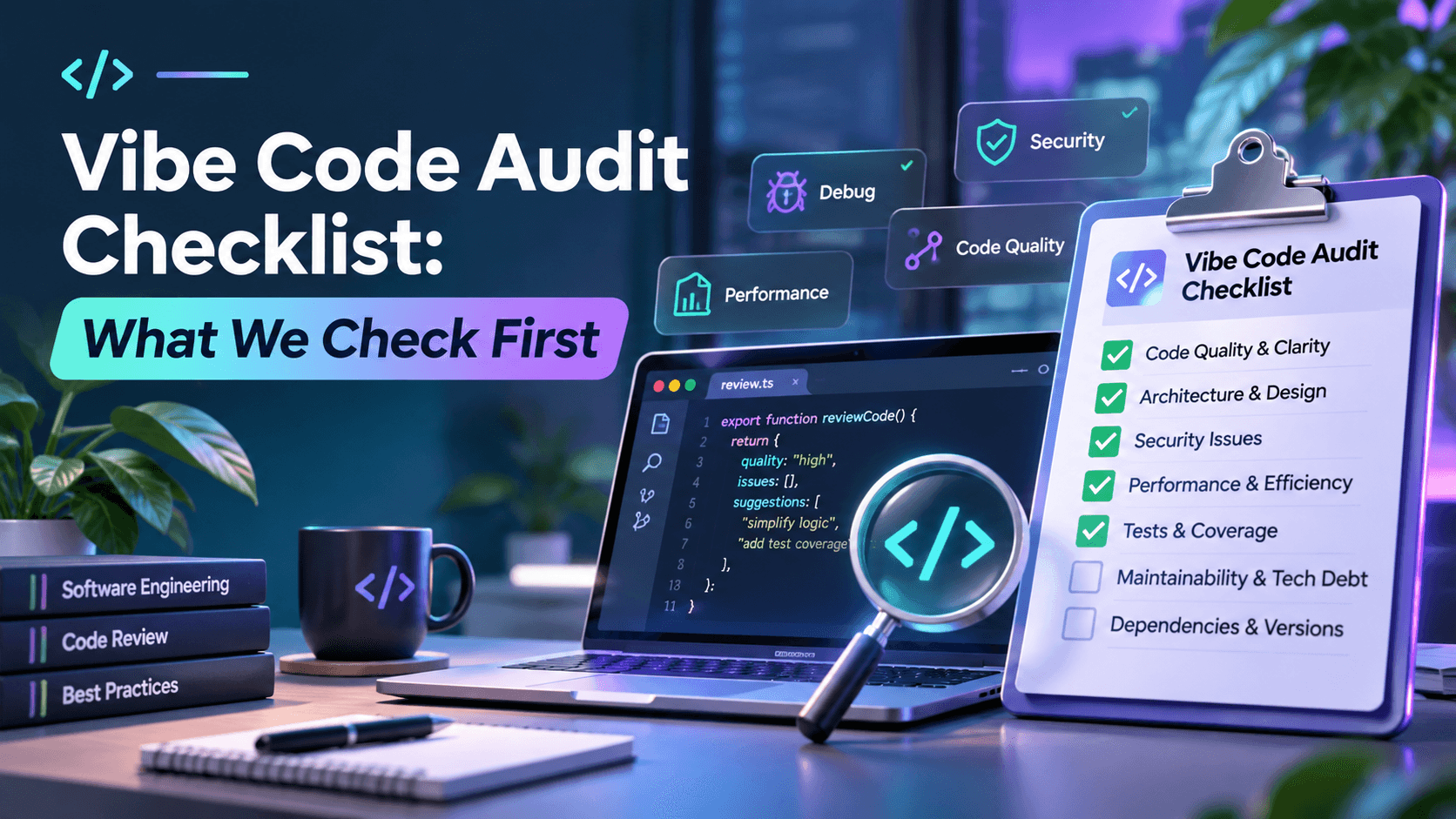
- Stage 1: audit. We review the code, the data model, access rules, payment flow, deploy setup and error handling. You receive a prioritised list: what is dangerous, what is expensive, what can wait. Our audit checklist shows what we check.
- Stage 2: stabilise and harden. Fix the issues that put users, data or money at risk. Add backups, alerts and a safe way to deploy.
- Stage 3: build on a solid base. Ship the features you actually need, in sprints, on top of the hardened foundation.
- Stage 4: handoff or ongoing work. Documentation and a walkthrough for your team, or continued development with us.
You can stop after any stage. That is the point of staging: you decide with evidence, not under pressure.
This is also how we have worked on projects that began with a design from an AI tool. For ThePokeLlama, the client came with a Lovable design, and we built the full backend, deployed it and ran sprint-based development. Wyzor AI followed the same pattern.
How do I compare quotes from different teams?
Price alone tells you very little. Compare these instead:
- What exactly is in scope? A good quote names the areas it covers, such as payments, auth and deploy, and the ones it does not.
- Does it start with a look at your code? Be careful with a fixed price given before anyone has opened the repository.
- What happens if the audit finds more? You should know in advance how changes are handled and who decides.
- Who owns the result? You should own the repository, the hosting accounts and the documentation.
- How is progress shown? Sprint demos and a written summary beat a long silence.
- Do they talk about tests and deployment? If a quote only covers features, the next outage is still waiting.
What are the red flags in a rescue quote?
- A single fixed price with no review of the code.
- "We will rewrite everything" without explaining why the existing parts cannot be kept.
- No mention of backups, secrets or access control.
- No plan for your team to take the app over.
- Pressure to decide on the call.
- Vague wording like "optimisation" instead of named checks and deliverables.
- A promise that no further problems will be found. Honest teams say what they checked and what they did not.
What should I prepare before the intro call?
Bring the basics: what the app does, how many people use it, whether you take payments, which tool built it, where it is hosted, and what has gone wrong. If you have access to the code repository and the payment dashboard, say so. The more we know, the more useful the 30 minutes are.