Short answer: an app built with an AI coding tool can look finished and still let one user read another user's data. The most common reason is that permissions exist only in the interface, not on the server or in the database. You can test for this yourself in an afternoon: create two accounts, try to read each other's records through the app and through its API, compare what the API returns with what the screen shows, and check that no secret is visible in the browser. This article gives the six areas to review and the exact steps.
Why do AI-built apps have security gaps?
AI coding tools are good at making the happy path work. A user signs in, sees their data, clicks a button, and the screen updates. That is what the prompt asked for.
Security is about the other paths: a user who edits an ID in a request, a request that skips the interface, a key that ended up where it should not be. Nobody prompts for those, so they are often missing. The fix is to check the parts the tool was never asked about.
How should login and permissions work?
Two separate questions are easy to mix up.
- Authentication: who is this user?
- Authorisation: what is this user allowed to do?
For authentication, use a proven provider or library, not hand-written password handling. Check that email verification and password reset work and that reset links expire.
For authorisation, the rule is simple: every request is checked on the server, every time. Hiding a button is a design choice, not a permission. Anyone can call your API without your interface.
Ask: what happens if a normal user calls an admin endpoint, or swaps a record ID for someone else's? Do sessions expire, and does logout end them? If you cannot answer, test that first.
What are row-level rules, and does my app need them?
Many AI-built apps talk to the database directly from the browser, using a hosted backend such as Supabase or Firebase. In that setup the database itself must decide who can see which rows, because there may be no server code in between.
Supabase calls these rules Row Level Security (RLS). Postgres has the same feature natively, and other platforms have versions of their own, such as Firebase security rules. The idea is the same: a rule says "a user may read only the rows that belong to them", and the database enforces it. If your app has its own backend between the browser and the database, the same check can live there instead. Either way, one place must enforce it.
What to verify:
- Every table that holds user data has an access rule. No rule must mean no access, not open access.
- Read, insert, update and delete are handled separately. A user who can read their own rows should not automatically be able to rewrite someone else's.
- The anonymous (not signed in) role can reach only what is meant to be public.
- Admin or service keys are used on the server only, never in the browser.
- Private files sit in private storage, and links to them expire.
- Shared data carries an owner or tenant ID, and every query filters on it.
How do I handle secrets safely?
A secret is anything that proves your app's identity to another system: API keys, database passwords, webhook signing secrets, tokens.
- Anything in the browser is public. If a key is in front-end code or a network request, treat it as published. Some keys are designed to be public (a publishable key). Others, such as a service role key or a payment secret key, never are.
- Keep secrets in environment variables on the server, not in the code or the repository.
- Check the Git history. Deleting a key from the latest version does not remove it from earlier commits. Rotate it.
- Rotate any key that ever appeared in a prompt, chat or screenshot.
- Use different keys for development and production.
How do I validate input and limit abuse?
Validation and limits protect you from users who do not behave, and from bots.
- Validate on the server. Check type, length, format and allowed values. Browser-side checks are for user experience, not protection.
- Use parameterised queries, never user input concatenated into a query.
- Escape or sanitise user content before showing it as HTML.
- Check file uploads: type, size and storage location.
- Add rate limits on login, sign-up, password reset and any endpoint that is expensive or sends something (email, SMS, AI calls).
- Set spend caps with paid API providers, so a loop or an attacker cannot run up a bill.
What should I log, and what should I never log?
- Log security-relevant events: failed logins, permission denials, password resets, admin actions and payment state changes, with who, when and a request ID.
- Send unhandled errors to an error tracker or alert, not only to a console.
- Never log passwords, tokens or full card data.
- Keep user-facing errors generic. A stack trace tells an attacker how your system is built.
How can I test my own app for broken access in an afternoon?
You need no special tools, only two accounts and about three hours. Test only an app you own, ideally a staging copy or test data.
- Create two ordinary user accounts, A and B. Add a few records to each: a profile, an order, a file, a message.
- Sign in as A and note the IDs. Open the browser developer tools, go to the Network tab, and look at the requests that load A's data. Copy a record ID or URL.
- Sign in as B and request A's record. Paste A's URL into B's browser, or repeat the request with A's ID. The expected result is a refusal or "not found". If B sees A's data, access is broken.
- Try every verb. Repeat step 3 for read, create, update and delete.
- Compare the API response with the screen. Does a list endpoint return more fields than the screen shows, such as other people's emails or internal flags? The interface may hide data that the API still sends.
- Test signed out. In a private window, call the same endpoints. They should refuse everything that is not public.
- Try to become an admin. As a normal user, call admin endpoints directly, and check whether a profile update request can change your own role.
- Look for secrets. Search the loaded files and network calls for keys. Note each one and ask whether it was meant to be public.
- Test limits. Submit a wrong password many times. Does anything slow you down or lock you out?
- Write down every failure with steps to reproduce. An engineer will start from this list.
Fix anything that fails in steps 3, 4, 6 or 7 before adding features. Those mean other people can reach data they should not. Do not prompt fixes straight into live code: follow the sequence in the first 48 hours, then fix on a staging copy.
When is an afternoon test not enough?
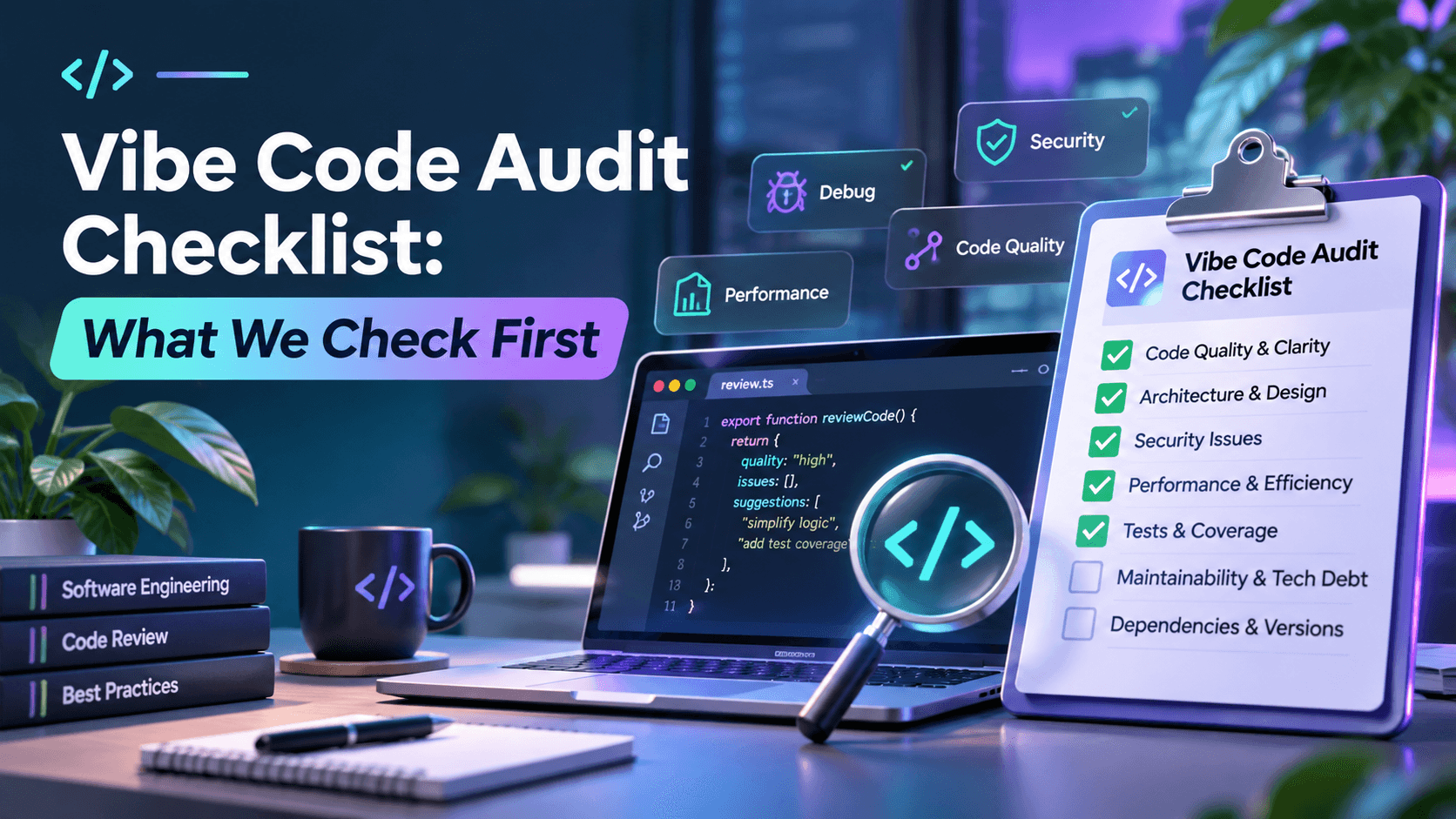
The test finds the most common and serious gaps. It cannot tell you whether payment webhooks are verified, whether dependencies have known flaws, or whether a rarely used table has a subtle hole. Our full list is the vibe code audit checklist, eleven areas in the order we review them.
Treat your own test as a smoke alarm, not an inspection. If it goes off, or real customers' data or money is involved and you are unsure, get a review. Vibe Code Rescue covers audit, hardening and takeover of apps built with AI tools. The first step is a free 30-minute intro call, and the price after it depends on what is needed.
We have taken an AI-built design to a deployed product before. For ThePokeLlama, the client came with a design built in Lovable, and we built the full backend, deployed it and ran the sprint-based development.
What is the one thing to do today?
Create two test accounts and try to read one from the other. It answers the most important question about your app.