Short answer: a Lovable prototype proves the idea and gives you screens. A production system adds the things users never see but depend on: a deliberate data model, server-enforced permissions, payments confirmed by the provider, background jobs, separate environments, repeatable deploys, monitoring and tests. The front end can usually stay. The work is in what sits behind it. We have done this on projects that started with a client-supplied Lovable design, and the pattern is the same each time.
What is the difference between a prototype and a production system?
A prototype answers: "does this idea make sense, and can people understand it?" It has to be fast and visible.
A production system answers: "what happens when many people use this, make mistakes, pay money, lose connection or try to abuse it?" It has to be correct, recoverable and changeable.
AI design tools are very good at the first job. Trouble starts only when the first version is treated as the second.
Here is what changes, area by area.
1. How does the data model change?
In a prototype, data is whatever the screens needed at the time. Tables appear as features appear. The same fact may be stored twice because two screens asked for it.
In production, the data model is designed:
- Each fact is stored once, with clear ownership.
- Relations and constraints are enforced by the database, so bad data cannot get in.
- Changes are made through versioned migrations, not by hand.
- You think ahead about the questions the product must answer, such as reporting, history and deletion.
This is the part that gets harder to fix the longer you wait, because every new feature builds on it.
2. How do authentication and permissions change?
A prototype often has sign-in that works and permissions that are mostly visual: a button is hidden, so the action is assumed impossible.
In production:
- Authentication uses a proven provider or library.
- Authorisation is enforced on the server or by database rules, for every request.
- Roles are defined, and admin functions are separate.
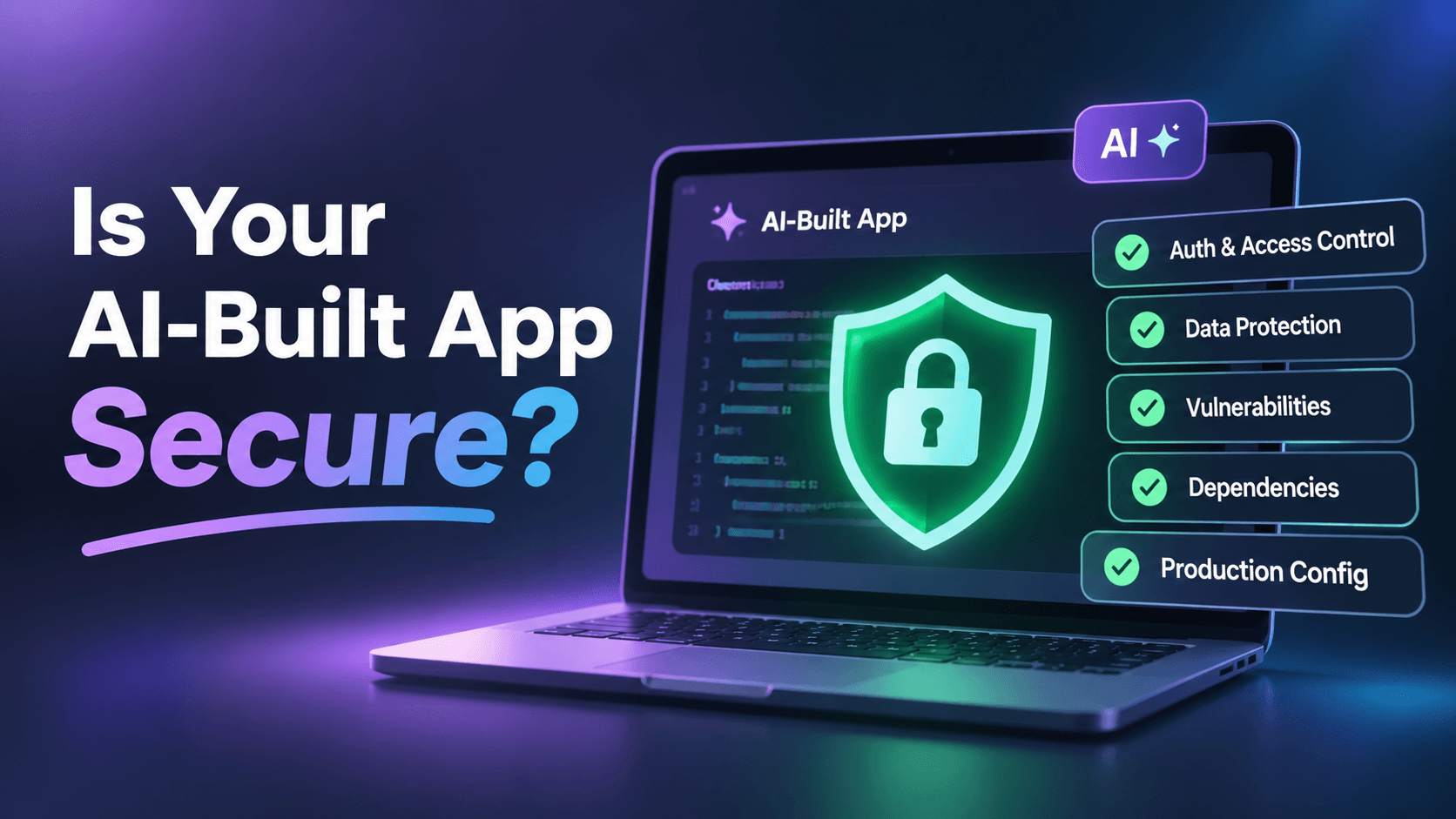
- You test that user A cannot read user B's data. Our afternoon test for broken access shows how.
For example, ThePokeLlama's published case lists Supabase for database and authentication, with the backend built in Express.js. Whichever stack you choose, the principle is the same: the decision about who may do what is made behind the interface, not in it.
3. How do payments change?
A prototype may show a checkout and a success page. That looks like payments.
Production payments depend on what the provider confirms, not on what the browser shows:
- Access is granted from verified provider events (webhooks), not from the page the user lands on.
- Webhook handlers are idempotent, so the same event twice does nothing twice.
- Failed, refunded, cancelled and disputed states are handled.
- Prices are decided on the server.
- You can reconcile your records against the provider dashboard.
Payment problems are the ones we meet most often in rescue work. When we picked up Karbon Shortcuts, the main problems were a completely wrong architecture and a broken, unstable Stripe integration. We also built new features on top. See the case.
4. Why do I need background jobs?
In a prototype, everything happens inside the request: the user clicks, the app does the work and the user waits.
That stops working when work takes time or can fail: sending email, importing data, calling a slow third-party API, generating a report, calling an AI model. In production, this work moves into background jobs with a queue:
- The request returns quickly and the job runs separately.
- Failed jobs retry safely, without doing things twice.
- You can see what is queued, running and failed.
External data is a typical case. ThePokeLlama needed real-time card pricing and availability data, and its published case notes that several third-party APIs existed with different limits, subscription models and accuracy, so choosing the right one was part of the work. Anything that depends on someone else's API needs timeouts, retries and a plan for when it is slow or down.
5. What changes with environments?
The prototype usually has one environment: the live one. Testing a change means changing the real app.
Production needs at least:
- Local or development: where engineers work.
- Staging: a copy of production with separate data and keys, for testing before release.
- Production: the live system, changed only through a controlled deploy.
Each environment has its own database, keys and payment accounts. Preview builds must never point at the production database. This is also what makes secrets manageable: each environment gets its own, stored as environment variables, never in the code.
6. How does deployment change?
A prototype is published with one click from the tool. That is great for a demo and risky for a product, because you cannot easily say what exactly is running, and you cannot easily go back.
A production deploy is repeatable and reversible:
- The code lives in a Git repository you control.
- A pipeline builds, tests and deploys the same way every time.
- Database changes run as migrations, with a backup taken first.
- You can roll back quickly.
- The infrastructure is described, for example in container configuration, so it can be rebuilt.
For reference, Wyzor AI's published case lists Docker and DigitalOcean for infrastructure, with Nest.js on the back end and PostgreSQL with Prisma for the database. Those were the choices for that product. The general point is that how the app is packaged and run is written down and repeatable.
7. What does observability add?
In a prototype you find out about problems from users. In production you find out first.
- Errors go to an error tracker with context.
- Uptime is checked from outside.
- Spend alerts exist on paid APIs, email and SMS.
- Logs record the important events and never contain secrets.
8. Why do tests matter more after launch?
A prototype changes shape daily and has no tests. A product has users who depend on specific behaviour.
Start with the paths where mistakes cost most: sign-up and login, permission rules, and anything that charges money or grants access. Run them automatically on every change. For AI features, the equivalent is an evaluation set. In our published Wyzor AI RAG case study, the team built sets of golden queries with known expected answers and measured results across repeated runs, instead of changing prompts until a few examples looked better.
9. How does development itself change?
A prototype is built by prompting. A product is built in planned increments: a backlog, estimates, reviews, demos and releases.
For ThePokeLlama, the client came with a design built in Lovable, and we built the full backend, deployed it and ran the sprint-based development. Wyzor AI followed the same pattern, and its published case describes a functional MVP launched in less than 4 weeks. The tool gave the client a head start on design. Sprint-based engineering turned it into a working system.
What does this look like as a checklist?
Compare the two lists area by area.
Prototype
- Data model: Grew by feature.
- Permissions: Hidden buttons.
- Payments: Success page.
- Heavy work: Inside the request.
- Environments: One, live.
- Deploy: One click, no history.
- Monitoring: User reports.
- Tests: None.
- Development: Prompts.
Production
- Data model: Designed, constrained, migrated.
- Permissions: Enforced on the server or database.
- Payments: Verified provider events, idempotent handling.
- Heavy work: Background jobs with retries.
- Environments: Development, staging, production.
- Deploy: Pipeline, migrations, rollback.
- Monitoring: Error tracking, uptime, spend alerts.
- Tests: Automated tests on critical paths.
- Development: Sprints, reviews, demos.
What should I do next?
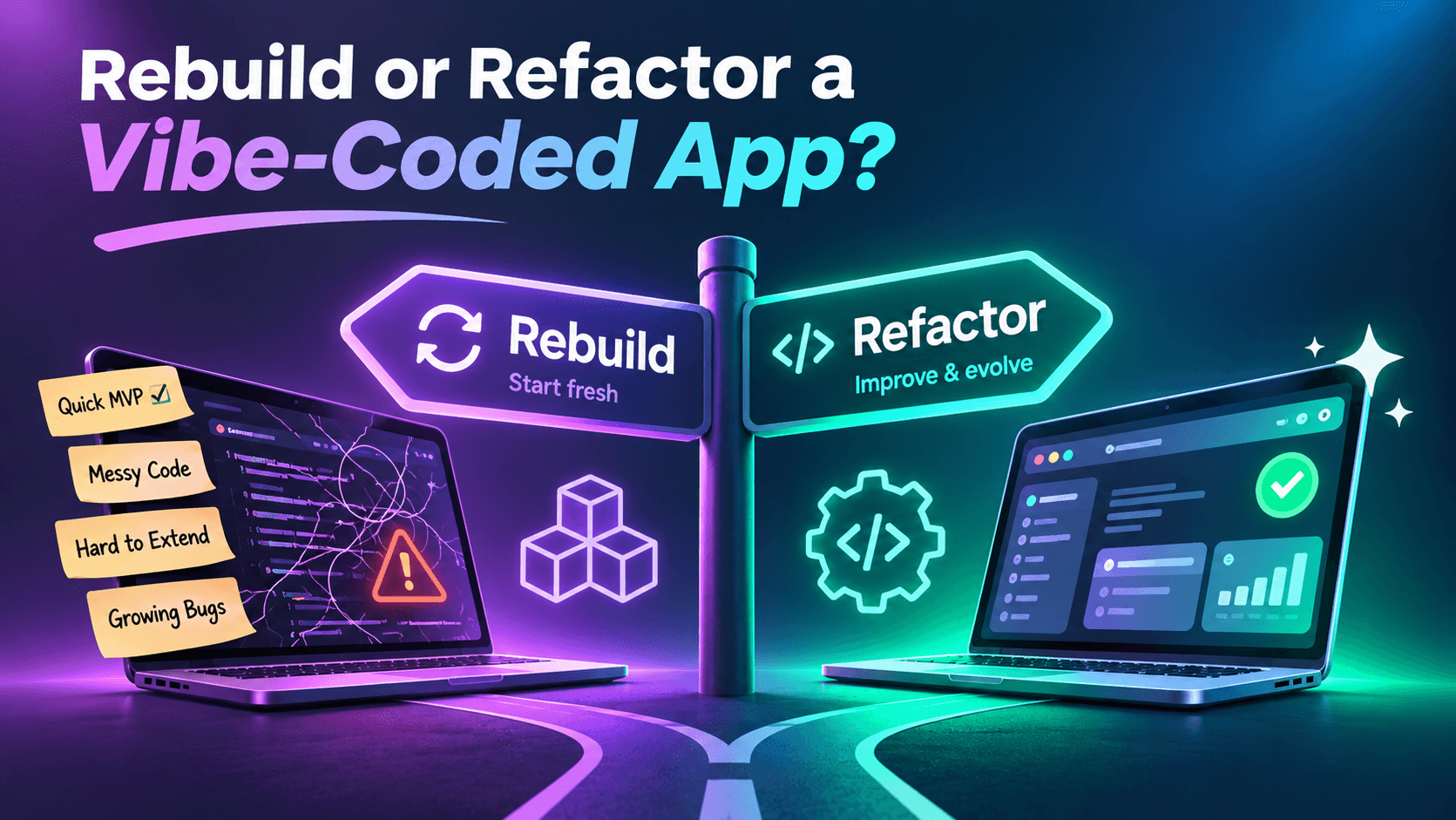
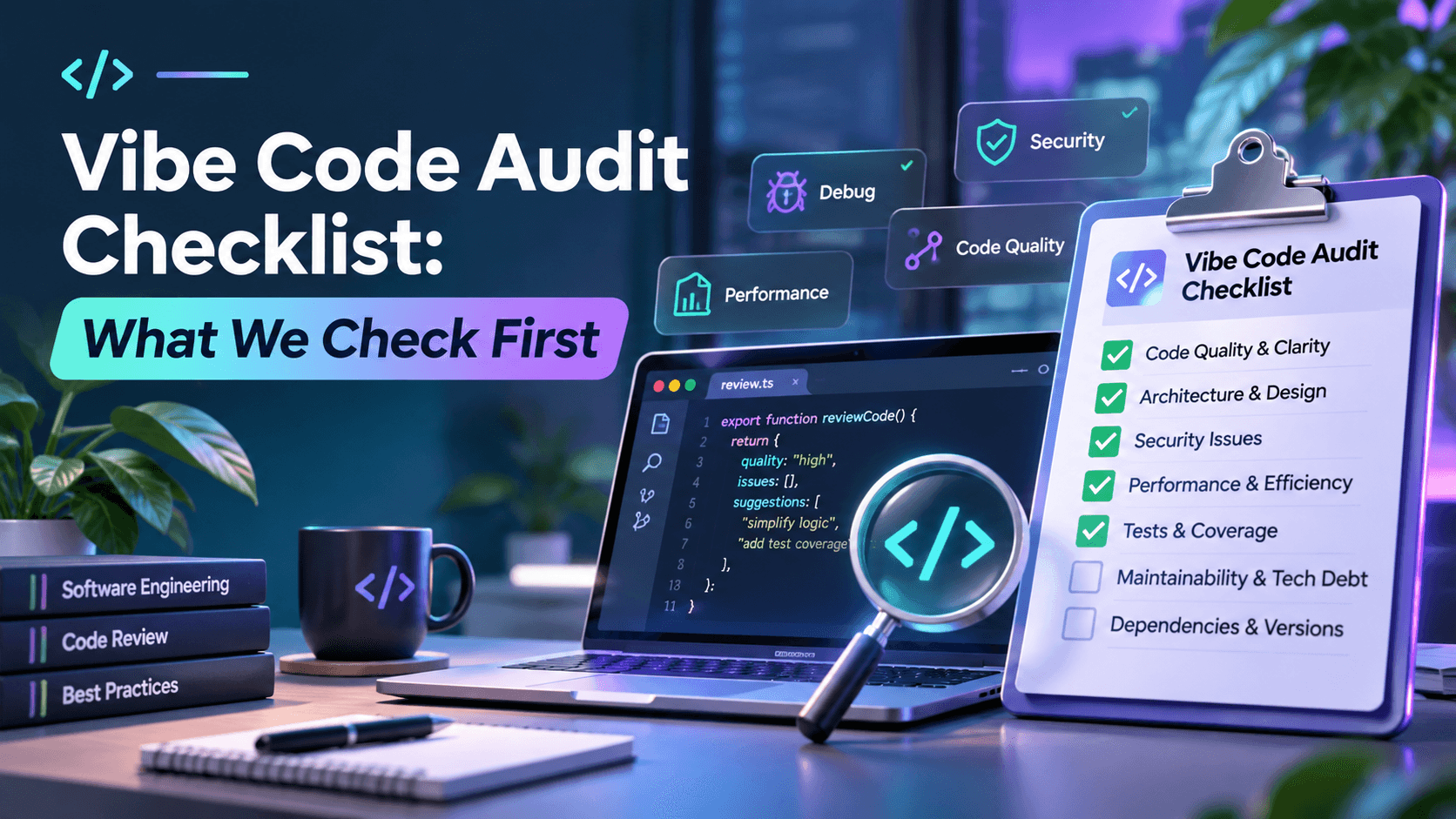
If you have a Lovable or similar prototype and you are heading to real users, do not rewrite the front end first. Decide what sits behind it. If you are unsure whether to keep, fix or rebuild what you have, read how to decide between refactor and rebuild. If the app is already live and failing, start with the first 48 hours, and use the audit checklist to see where you stand.
Vibe Code Rescue covers audit, hardening and takeover of apps built with AI tools. You can book a free 30-minute intro call. The price after it depends on what is needed. See also the ThePokeLlama case.